Pages

Showing posts with label Unreal Engine 4. Show all posts

Tuesday, September 13, 2016

UE4 Sand WIP 2

My desert environment has come a long way since my last update. It is a little hard to see in the gif but I am working on improving the animated sand texture. I think I might take a break from the desert environment and start blocking out the jungle.


Thursday, August 25, 2016

UE4 Sand WIP

I decided to take a break from working on the Ocean shader to work on the sand VFX.

the ground texture still needs some work but everything else is starting to look the way I want.

Monday, August 22, 2016

UE4 Water WIP

I am working on an environment in Unreal Engine 4 and I have started making some progress on the water.


I am happy with the way it is turning out so far, However, There are two problems I am running into that are keeping me from progressing.

First, Unreal has some problems with the way it handles transparency so I am stuck with opaque water until I can find a good way to fix the transparency issues.

Second, I managed to get the waves to crest but I cannot seem to get them to crash back down in a convincing way. I have tried using a few different methods but non of them look the way I want it to.

Here is a bonus picture of my nightmare shader that I use to test new ideas.
And this is the cleaned up one...


Wednesday, April 27, 2016

Dark Souls x Limbo

I have been playing a lot of Dark Souls and last night I decided to make a Dark Souls inspired environment in a Limbo art style using Unreal Engine 4.


Tuesday, April 19, 2016

Tuesday, March 8, 2016

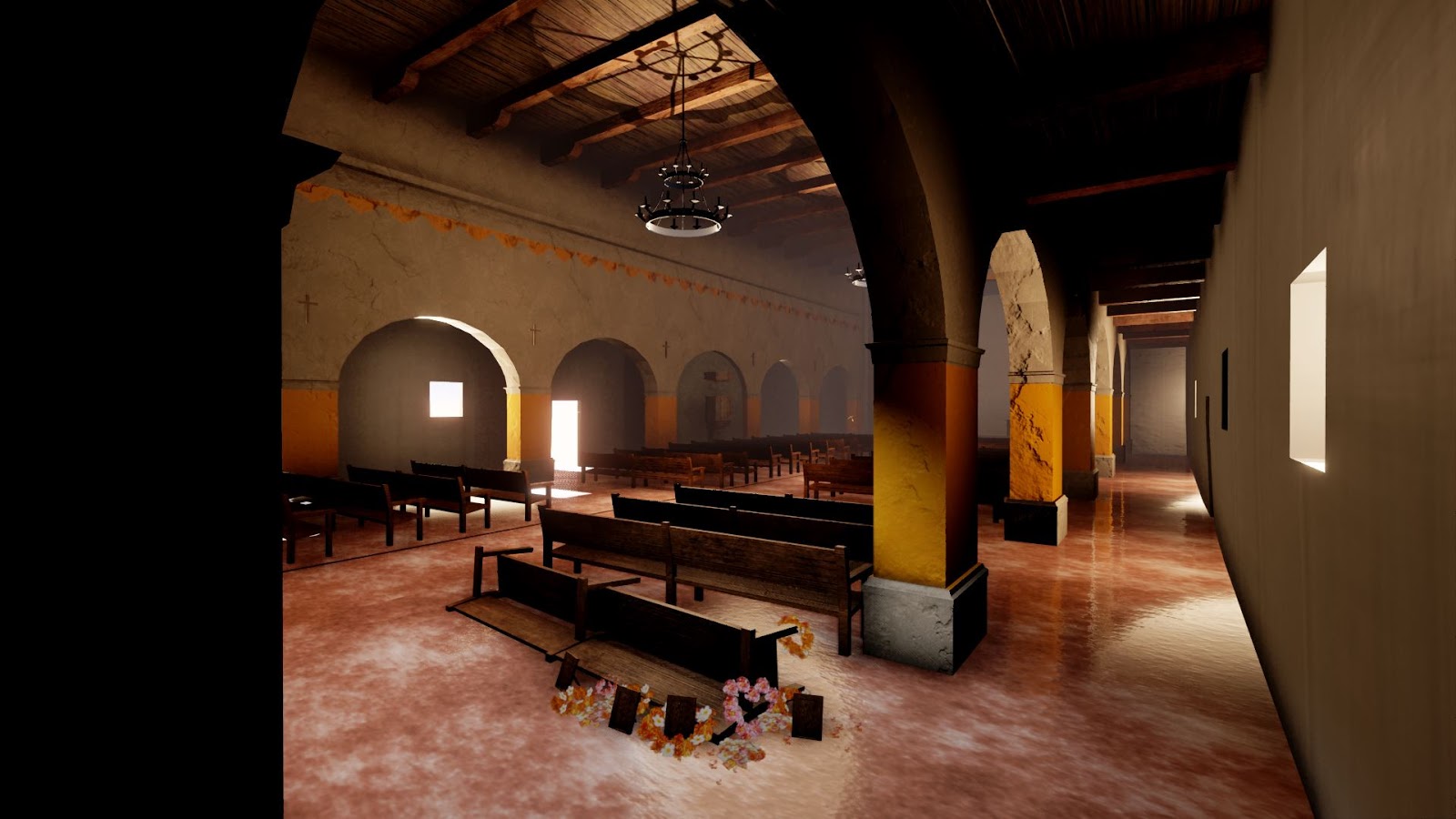
Progress Update on the environment I have been creating in Unreal Engine 4.


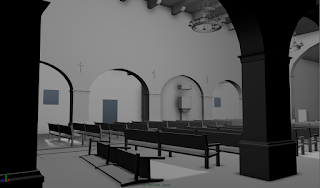
I started by roughing out the interior starting with basic primitives to block out the scene and get the proportions right.  Getting the proportion of the environment working was by far the hardest part of this process. On the one hand accidentally making the tiniest model slightly off scale could make the whole environment look wrong. On the other hand make a small object too small and the viewer will never see it.  Some of the things I had to make exaggerate the scale of include the crosses and the width of some of the ledges.
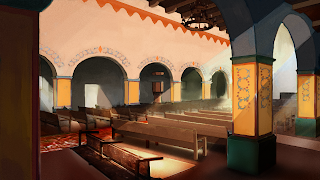
After I was mostly satisfied with the general scale and proportions of the environment I did a paint over to get the look and feel starting with rough color then adding texture. A more in depth look at my process can be found here

I then took and started blocking out the textures, starting with a quick tiling floor texture, and moving on to the arches. At this stage the textures are still lacking a lot of the painted details that you can see in the look and feel painting I did
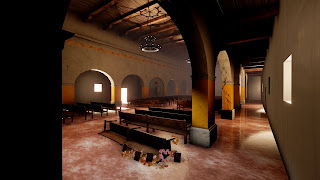
With the rough textures in place I started work on the lighting. I starting with atmospheric fog and a directional light then worked on the lightest and darkest areas of the scene before adding the "Hero" lighting to accent important parts of the scene

With a first pass on lighting in place I am now going through and removing low poly models and replacing a number of the placeholder textures starting with the floor. Below are some screenshots of the current state of the environment

I will write a more detailed post on my workflow for creating textures sometime soon